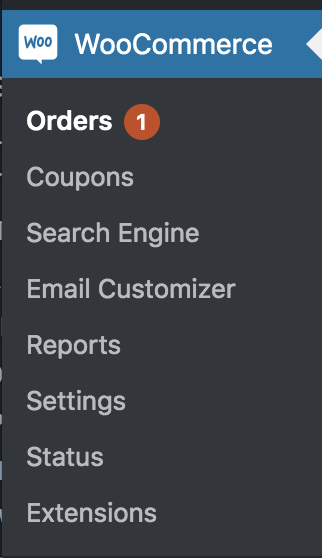


Package and Shipping
- Please package the order and ship.
Mark Order as Completed
- Navigate to the Processing Orders page
2. Select the order you need to edit.

3. Change the order status from Processing to Completed
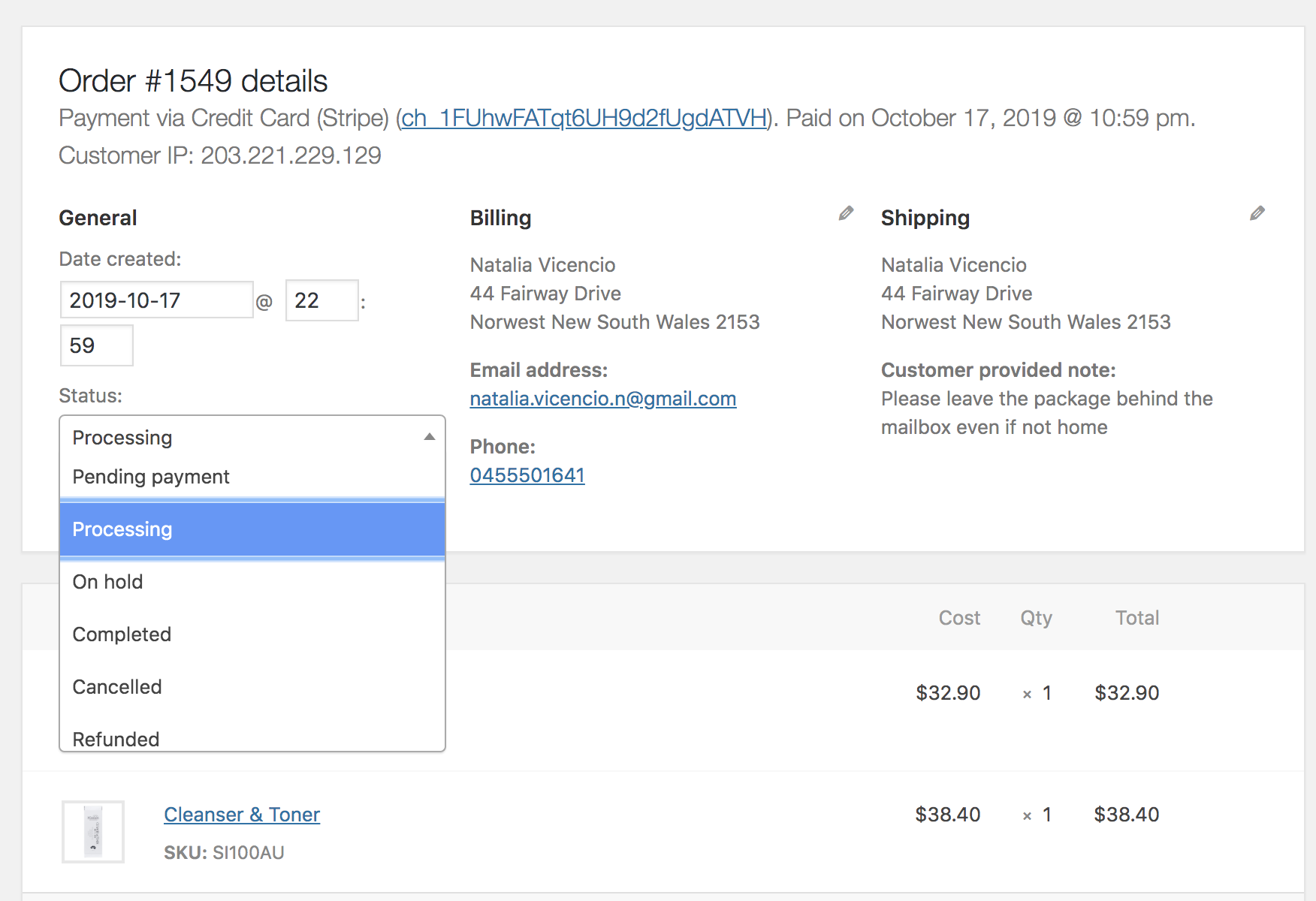
4. Click the blue Update button

Send Tracking Advice
Copy from the below options depending on what tracking service has been used.
Australia Post
Your order has been shipped and will be available to track within 24 hours.
Your item is being delivered by Australia Post and can be tracked here.
https://auspost.com.au/mypost/track/
Tracking ID: Add Unique Tracking ID
Sendle
Your order has been shipped and will be available to track within 24 hours.
Your item is being delivered by Sendle and can be tracked here.
https://try.sendle.com/en-au/tracking
Tracking ID: Add Unique Tracking ID
Toll
Rowena to provide
2. Paste your text into the Add Note field.
3. Select Note to Customer from the dropdown box
4. Click Add

5. Click on the Orders menu item to repeat this process for all outstanding orders.